
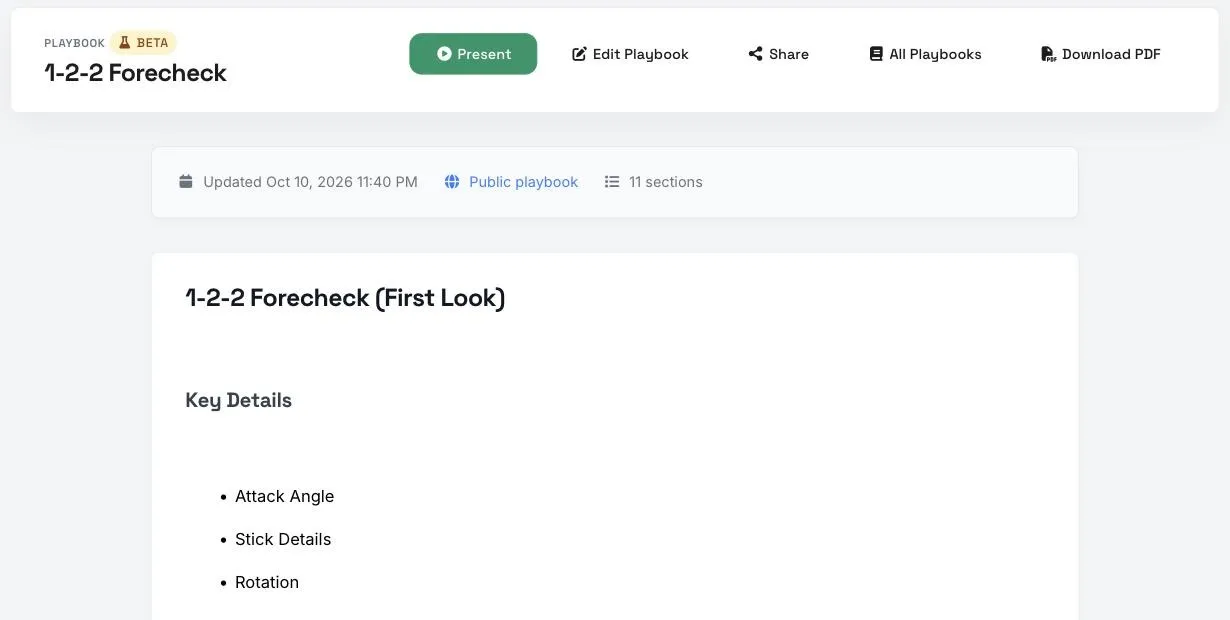
Some coaches still want a printed copy for the bench or a binder. You can download any playbook as a PDF.
Download the PDF
Open the playbook and click Download PDF. The file is named after your playbook.
What's in the PDF
- Your playbook's title and description at the top, then every section in order.
- Letter size, portrait.
- Drill diagrams, images, text, lists, callouts and line combos print as they appear on screen.
- Videos can't play on paper, so video blocks show a still image instead. Send players the share link if they need to watch them.
Who can download it
- You.
- Coaches you've invited as collaborators, with View or Edit access.
- Managers of a team the playbook is attached to.
People who open your public share link can view the playbook but don't get a Download PDF button.
Good to Know
- You can download up to 20 playbook PDFs an hour.
- A large playbook can take a little while to build. Wait for the download to start before clicking again.
Tips
- Print the PDF before a road trip so your staff has the systems without needing Wi-Fi.
- If you only need part of a playbook on paper, make a copy with Make a Copy, remove the sections you don't need, and download the copy.